01
Establish the baseline
Your passport opens with EPC-oriented context and the retrofit story your provider or installer captured — the starting point for every measure that follows.
Loading…
Built for UK social housing & retrofit
Overview
HomePassport is built around a living property passport: EPC context, installed retrofit measures, certificates, and guidance that stays with your home.
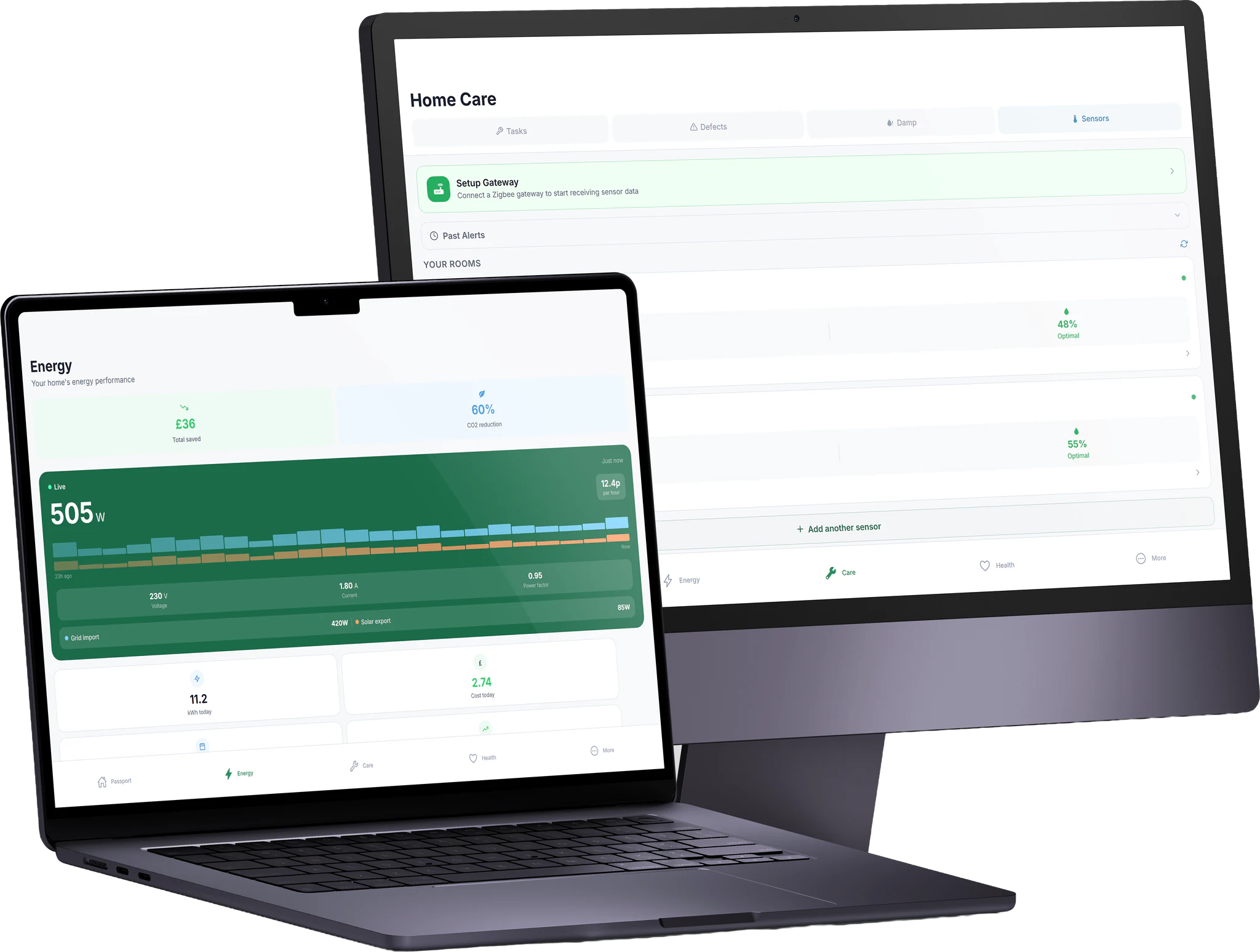
Residents use clear areas for energy, care (maintenance, defects, damp and mould, sensors where enabled), optional health journaling, and more tools such as tariff ideas, CSV import of measures, and passport transfer when you move.
Security
Resident data stays within your provider’s HomePassport environment. TLS in transit, tenant isolation between organisations, and UK GDPR-aware export and deletion workflows in the live product.
Short answers — full detail on the FAQ page.
The product is built deeply for UK retrofit and housing-provider contexts. If your home is invited or eligible through your organisation, you use the same resident experience.
Operational data is handled by the HomePassport platform your housing provider uses. See Security and Privacy for how we think about retention, export, and rights.
No. Sensors and live charts are optional capabilities that providers can enable on suitable plans. Core passport and care features work without hardware.
Digital retrofit passport
HomePassport brings together your property passport, energy use, maintenance and damp reporting, and optional room monitoring so you always know what changed, what’s due, and what to do next.

Prefer exploring first? Try the guided demo — no account needed on this site.
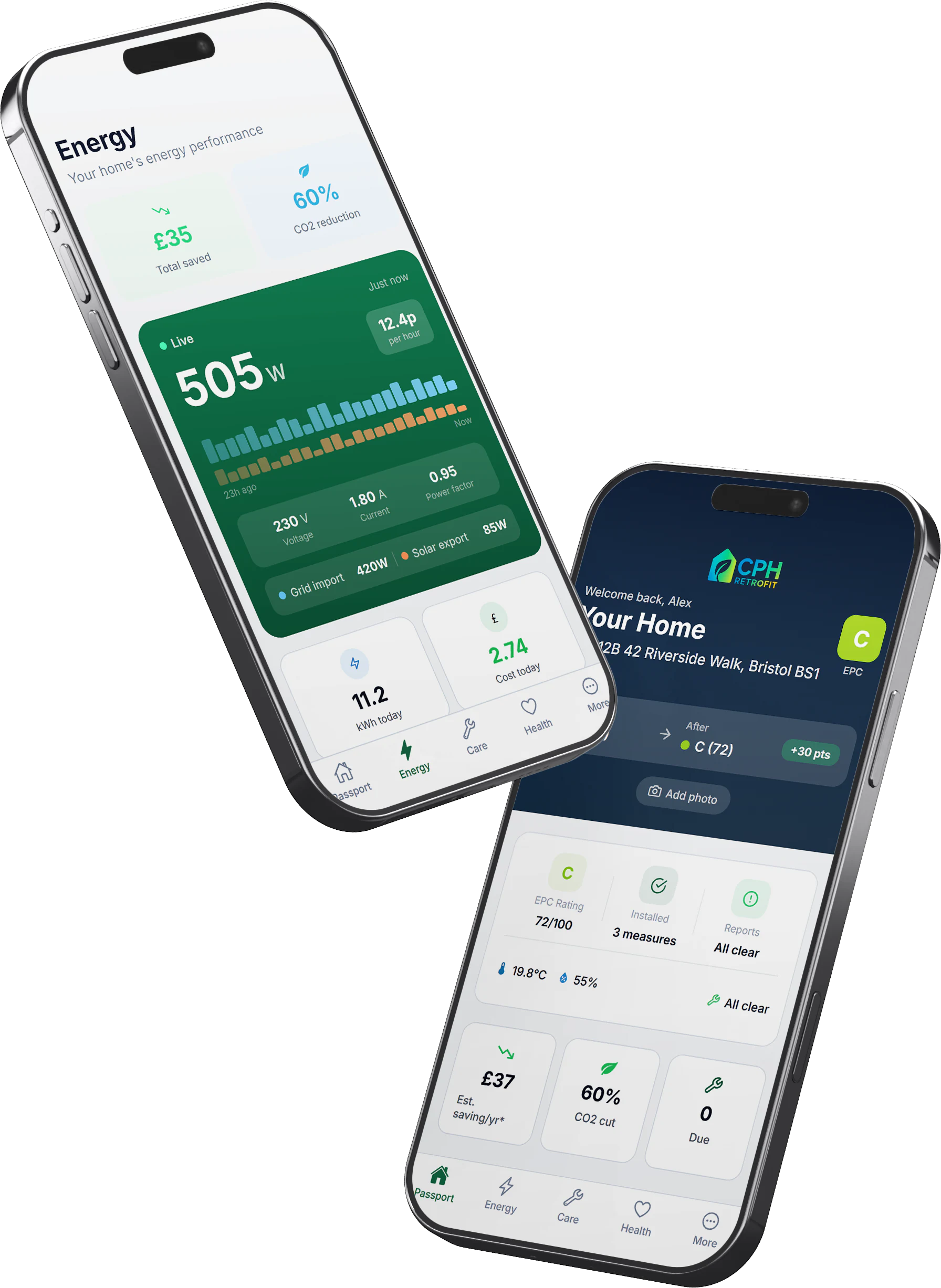
The same product on phone, tablet, and desktop — no separate “lite” experience.
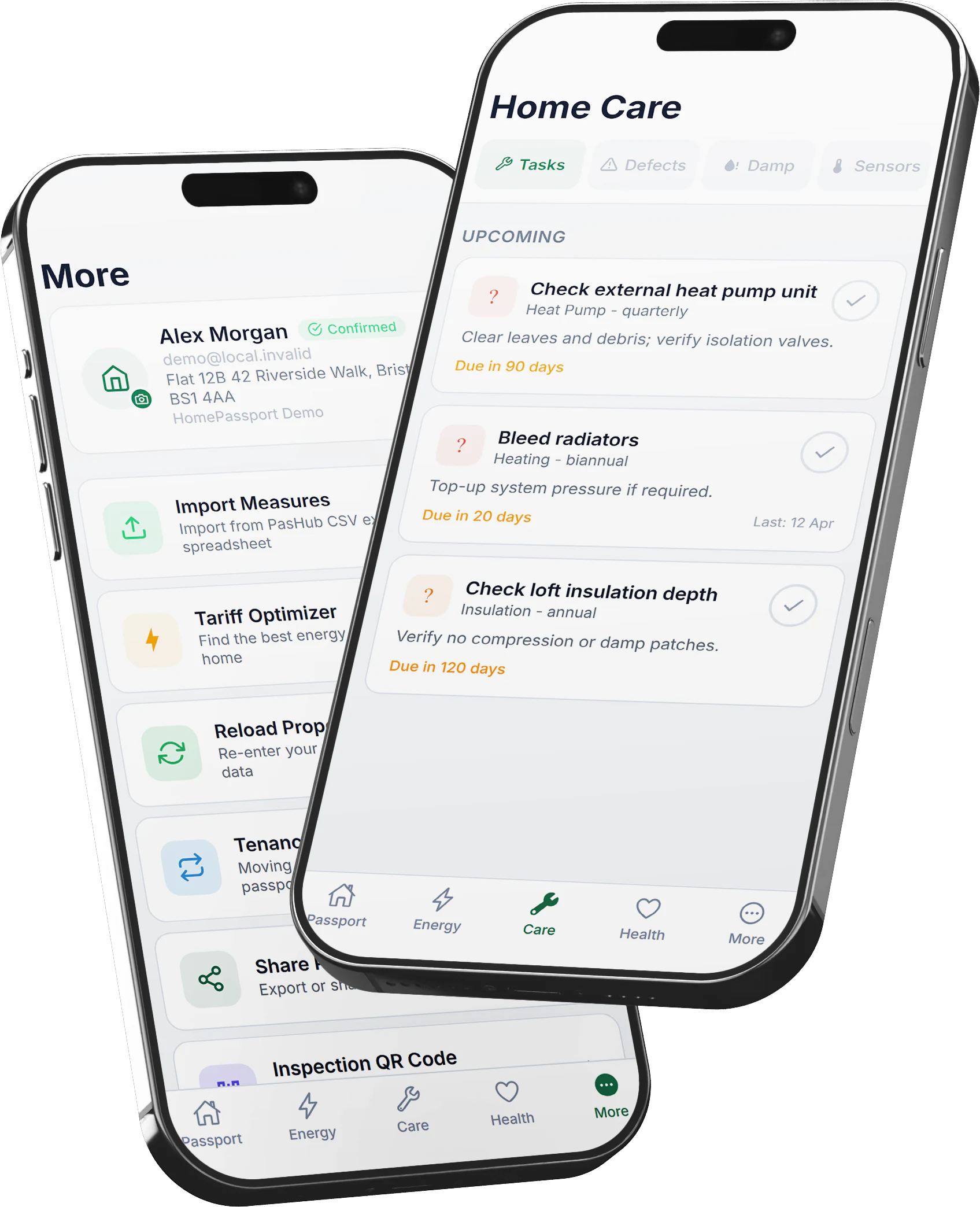
Phone
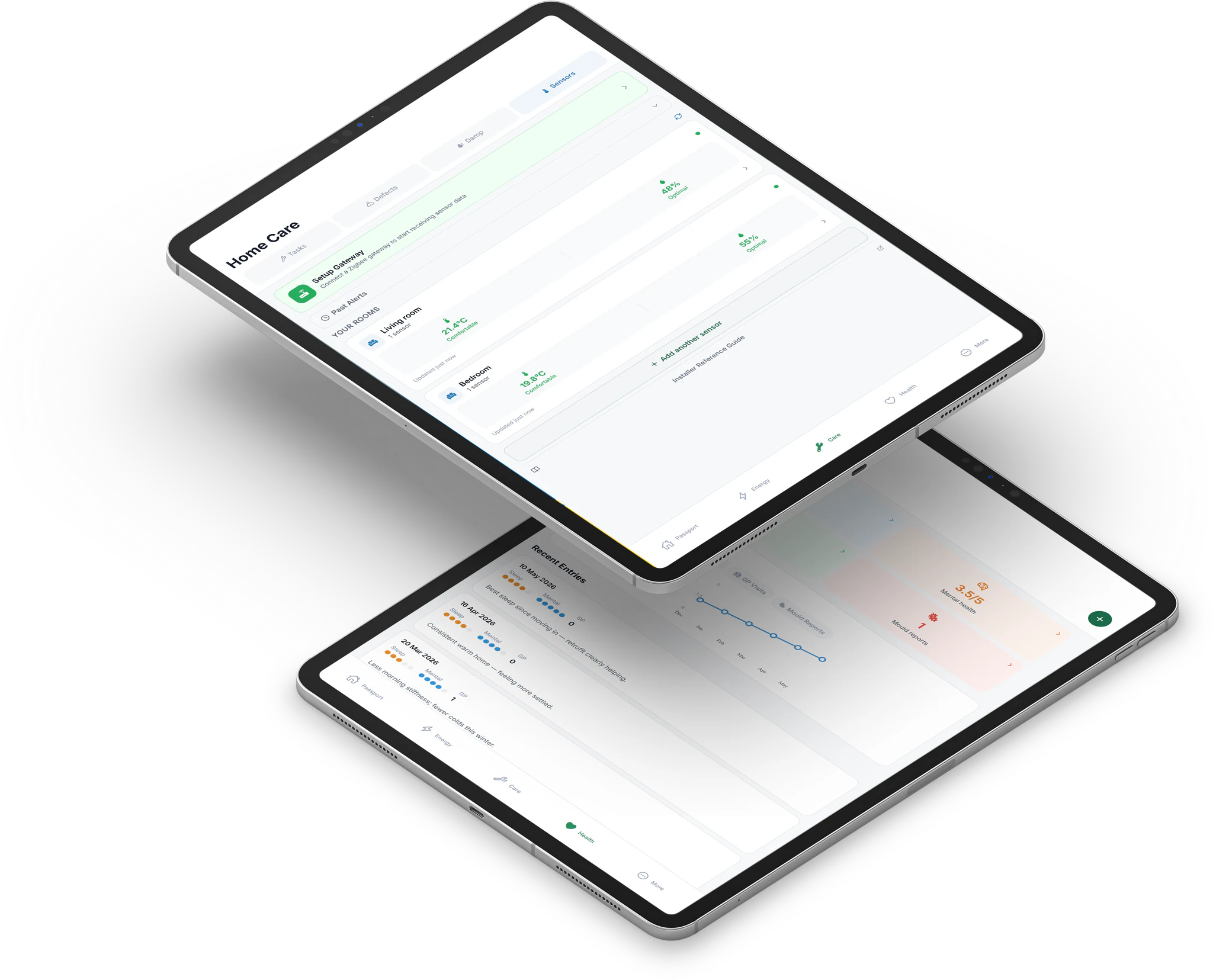
Tablet
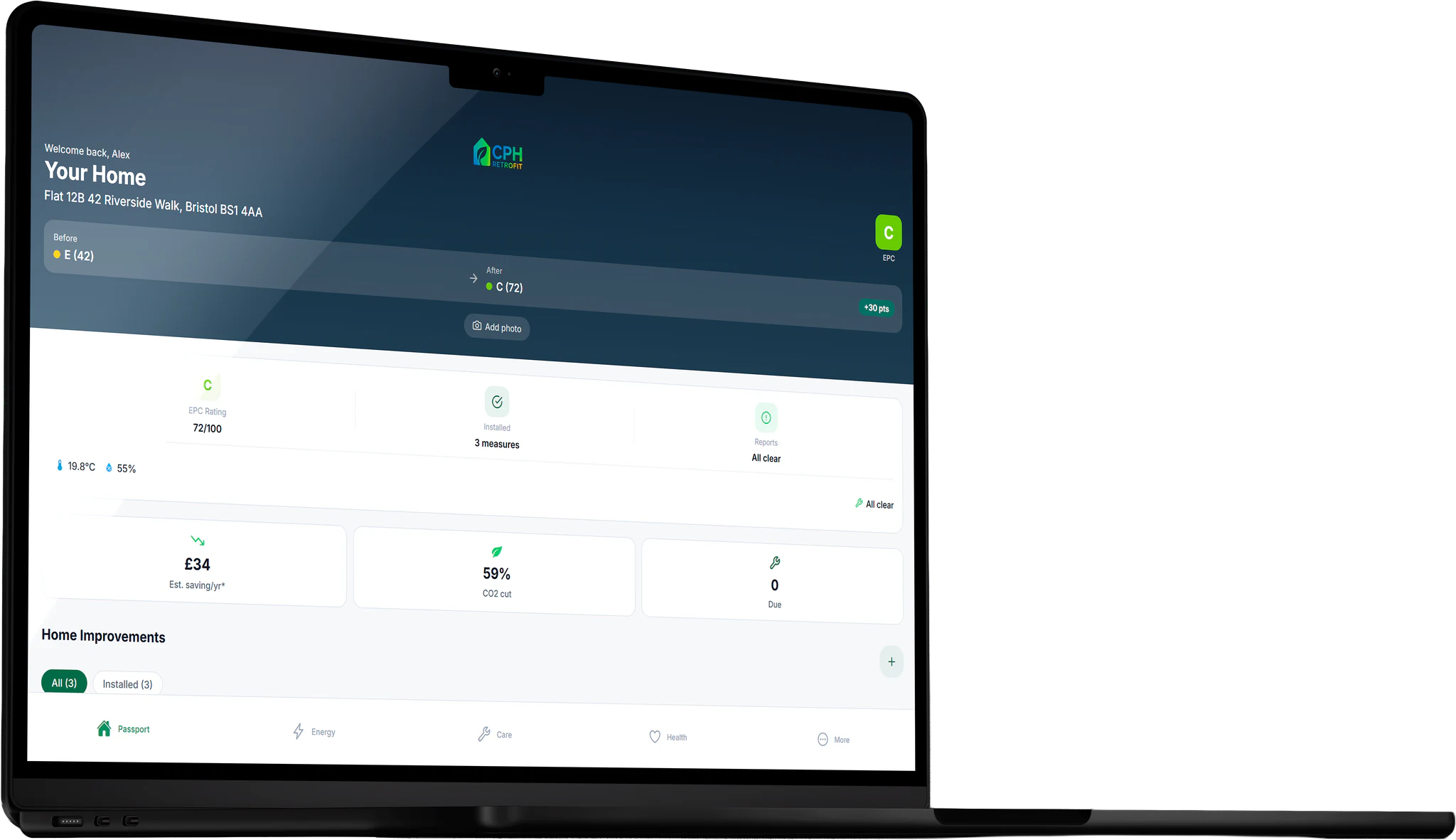
Desktop
The passport story
Scroll through how HomePassport keeps your home’s retrofit record alive — not as a one-off PDF, but as something you operate day to day.
01
Your passport opens with EPC-oriented context and the retrofit story your provider or installer captured — the starting point for every measure that follows.
02
Insulation, heating upgrades, ventilation, and certificates stay linked to your unit with dates and evidence — fewer lost PDFs when something needs checking.
03
Care workflows structure maintenance, defects, and damp reporting so small issues do not disappear into email threads.
04
Where sensors and metering are enabled, usage and trends sit beside your passport — so performance is visible, not guessed.
05
When you move, passport transfer and export-oriented tools help structured context travel with you instead of starting from zero.
Product areas
Terminology and flows match what you see in the HomePassport app.
EPC before and after, installed measures, estimated savings, certificates, and model-specific help content.
Track costs and usage patterns, compare periods, and see savings where metering is available on your plan.
Maintenance tasks, defect reports, damp & mould reporting with severity and photos, and room sensors for temperature and humidity when provisioned.
Optional wellbeing journaling. When enabled, health entries stay oriented around how your home affects you — with privacy-conscious defaults in the product.
Profile, smart-tariff style recommendations, CSV import for measures, passport transfer, and account controls.
Why it matters
Measures, dates, installers, and certificates stay attached to your unit — not buried in email threads.
Retrofit documentation and environmental signals help you and your housing provider stay aligned on what was installed and how the home is behaving.
Maintenance due dates, defect trails, and damp reporting give you a structured path when something needs attention.
Passport transfer and export-oriented workflows support continuity when circumstances change.
In practice
HomePassport keeps retrofit evidence, care workflows, and resident clarity aligned — the same language you see in the app.
“We finally have one place for measures, certificates, and damp follow-up. Residents are not chasing PDFs in email threads anymore.”
“Knowing what maintenance is due, and having damp reports with photos in one trail, gives me confidence when something needs escalating.”